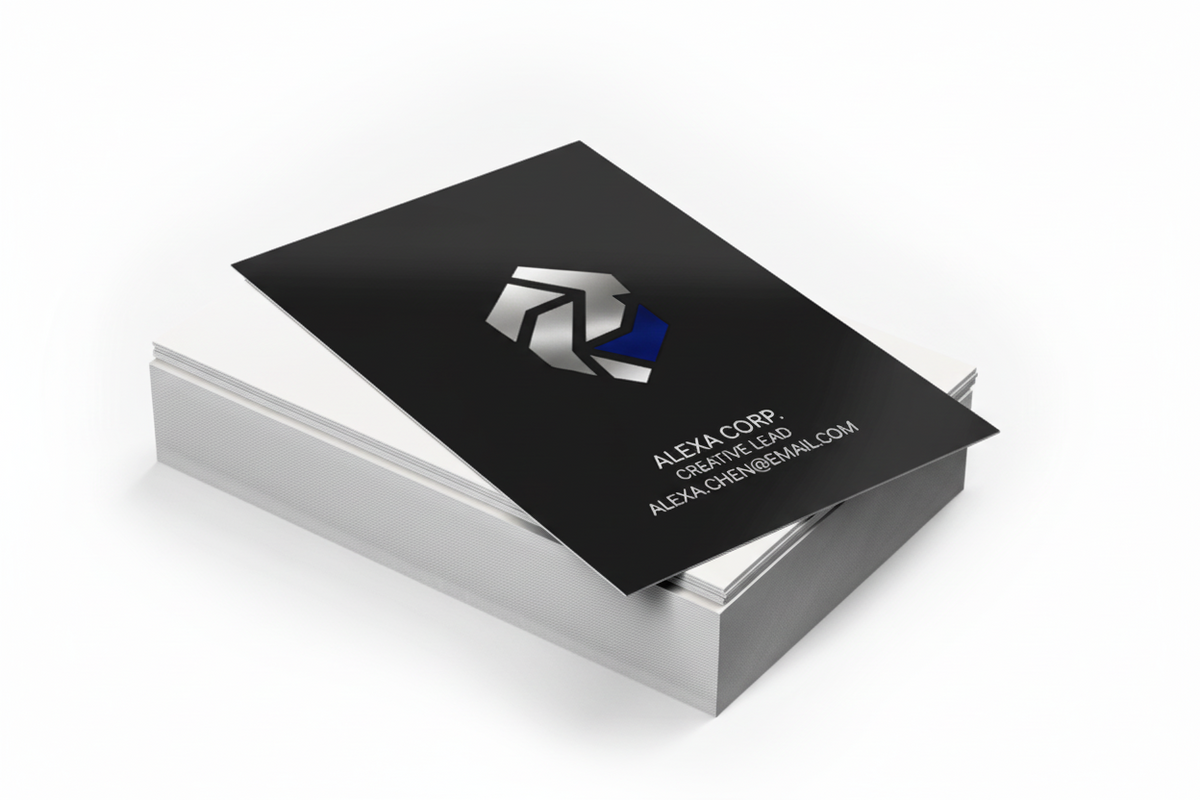
Gold or Silver Foil Business Cards
Gold or Silver Foil Business Cards
Shipping policy
Shipping policy
Shipping Methods & Delivery Times
We offer standard shipping via UPS, FedEx or Canpar across the Greater Toronto Area and Ontario, Canada. Typical delivery timelines (after processing) are 2–6 business days afer production.
Delivery times are estimates and may vary based on carrier performance and or weather.
Shipping Costs
A flat shipping rate of $20 CAD per order applies to all orders under $150 CAD (before taxes).
We offer free standard shipping on all orders over $150 CAD (before taxes).
The discount is applied automatically at checkout once your order subtotal reaches $150.
Free basic file check before print
Free basic file check before print
If we find any issues, we’ll let you know and you can choose whether you’d like us to correct the artwork for a small setup fee.
One design per item
One design per item
Each item ordered includes one design only.
If you need multiple versions (for example, different names or artwork), please add each version to your cart separately and upload the correct file for each item.
Need Assistance?
Need Assistance?
If you need help preparing your design, feel free to contact us and we’ll be happy to assist.
Couldn't load pickup availability
Make your brand shine with Gold or Silver Foil Business Cards, designed to create a bold and memorable first impression. These premium cards feature metallic foil accents that reflect light beautifully, giving your design a striking, high-end appearance.
The foil areas are slightly raised, adding both visual impact and a tactile texture that people can feel when they hold your card. This specialty printing technique highlights logos, names, or key details—ensuring the most important parts of your design stand out.
Printed on thick laminated cardstock, these business cards combine durability with luxury. The smooth matte lamination enhances the contrast between the printed artwork and the reflective metallic foil, creating a sophisticated and professional finish.
Ideal for luxury brands, creative professionals, executives, and businesses that want their first impression to feel truly premium.
Important Instructions
Foil Business Card Design Guidelines
Step 1
Ensure the file matches the product's required dimensions. Ensure that the artwork is created in CMYK 300 dpi with 1/16 inch bleeds on all sides.
Step 2
Separate artwork into two files: one is for foil lamination, for which the artwork's color should be set to 100% black. Another file should be in the CMYK color space for artwork that is not foil printed.
Step 3
Export all files into PDF format with bleeds.
To ensure your foil prints cleanly and looks great, please follow these simple guidelines:
1. Use Larger Text
- Foil works best with slightly larger text.
- Keep foil text at least 8 pt or larger
- Very small text may not print clearly.
2. Choose Simple Fonts
- Sans-serif fonts (like Arial, Helvetica, or Montserrat) work best.
- Avoid very decorative or complex fonts.
3. Avoid Artwork Under Foil
Do not place artwork or colors under foil areas.
Instead, create a separate foil layer or mask for the foil elements.
4. Avoid Large Solid Foil Areas with Tiny Details
If you have a large foil area, avoid placing very small non-foil text or thin lines inside it, as they may fill in during printing.
5. Leave Space Around the Edges
Foil should not extend to the edge of the card.
-
Leave at least 5 mm of space from the edges with no foil
-
Foil near the edge may peel after trimming
If foil is placed too close to the edge, we may automatically add a 5 mm safety gap.
6. Add Space Between Letters
Foil spreads slightly during printing.
To prevent letters from touching:
-
Increase letter spacing slightly
-
For small text, use tracking between +20 and +50
7. Avoid Very Thick Fonts
Very bold fonts can cause foil to fill in.
Best practice:
-
Use regular or medium font weights
-
Avoid extra-bold or heavy fonts
8. Thin Out Heavy Text if Needed
If letters look too thick:
-
Add a very thin outline inside the letters
-
Set the outline color to match the background
This creates more space and improves foil clarity.
9. Leave Space Between Lines and Shapes
Foil can spread slightly during production.
-
Keep small gaps at least 0.3–0.5 pt wide
-
Very tiny gaps may disappear.
Quick Summary
For best foil results:
-
Text 8 pt or larger
-
Use clean sans-serif fonts
-
No foil near the edges (5 mm margin)
-
Avoid very bold fonts
-
Add extra spacing between letters